
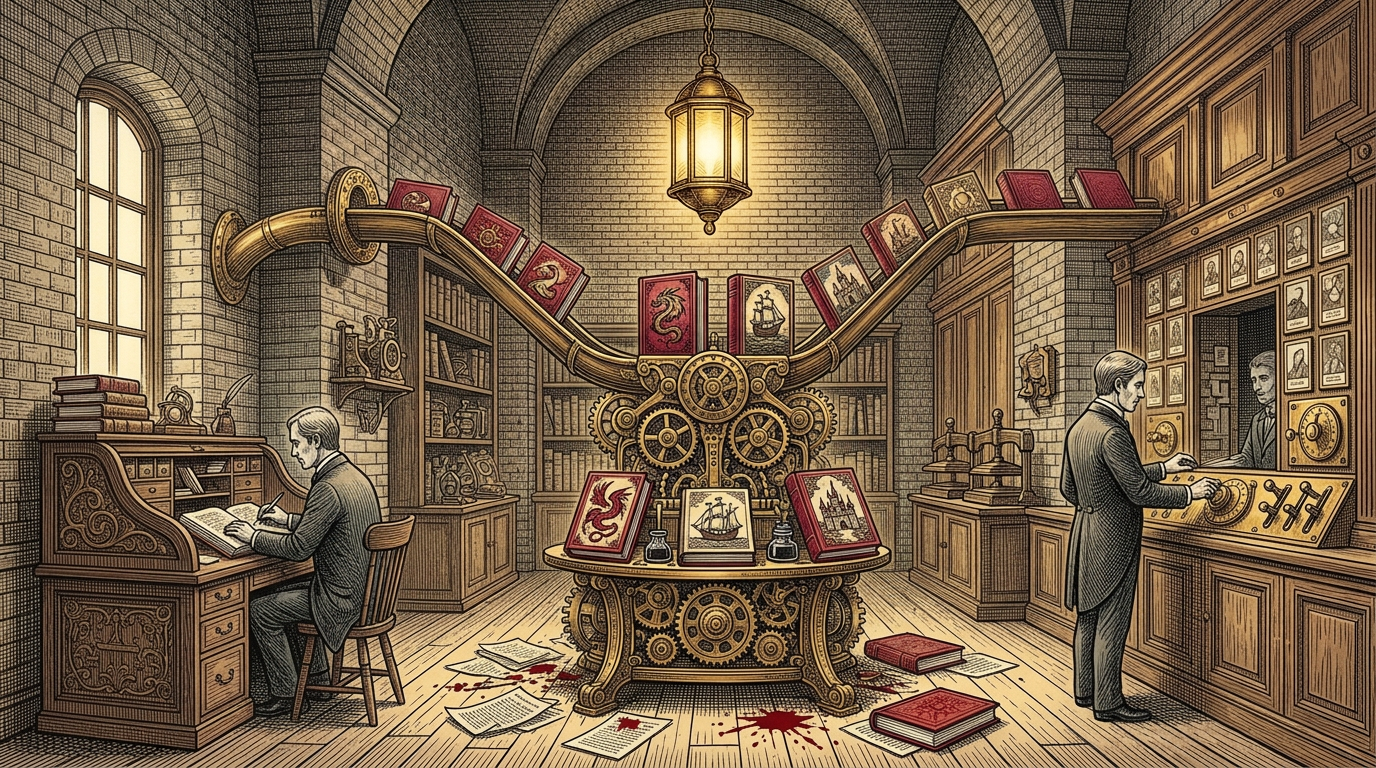
When I build an agent prototype, I usually start with just the ADK Web UI. Then, I can go a bit further by wrapping a custom web app around it. The Agent Storybook Project (ASP) is a custom React app talking to a FastAPI backend on Google Kubernetes Engine (GKE). It’s not really a traditional chat bot, but that doesn’t mean it can’t play well as one.
Sometimes there is value in consolidating the places your users see and interact with agents. Especially in an enterprise setting! Often, people want to invoke your agent from the surface where they already get work done. But you can still let power users open the standalone web app when they want it.
I just merged PR #6 into ASP, which connects my GKE-hosted storybook agent to Gemini on the web using the Agent2Agent (A2A) protocol and Agent to UI (A2UI).
Here’s why decoupling an agent from a single UI matters, and why A2UI is such a nice upgrade over plain-text chat.
One agent, multiple surfaces
If your agent logic is tightly coupled to your frontend, supporting a new surface means forking your backend. Because I already moved my 11-stage ADK storybook pipeline into isolated, snapshot-restored Agent Substrate actors on GKE, adding a second surface didn’t touch the core agent runtime at all.
Instead, my GKE Ingress (k8s/ingress.yaml) exposes two front doors into the same cluster:
- The custom web app (
/and/api): Protected by GKE Identity-Aware Proxy (IAP), serving the React SPA and FastAPI REST/SSE endpoints. - The A2A + A2UI endpoint (
/.well-known/agent.jsonand/a2a): Serving JSON-RPC 2.0 (message/stream) for Gemini on the web (in Gemini for business) and any other A2A-compatible client.
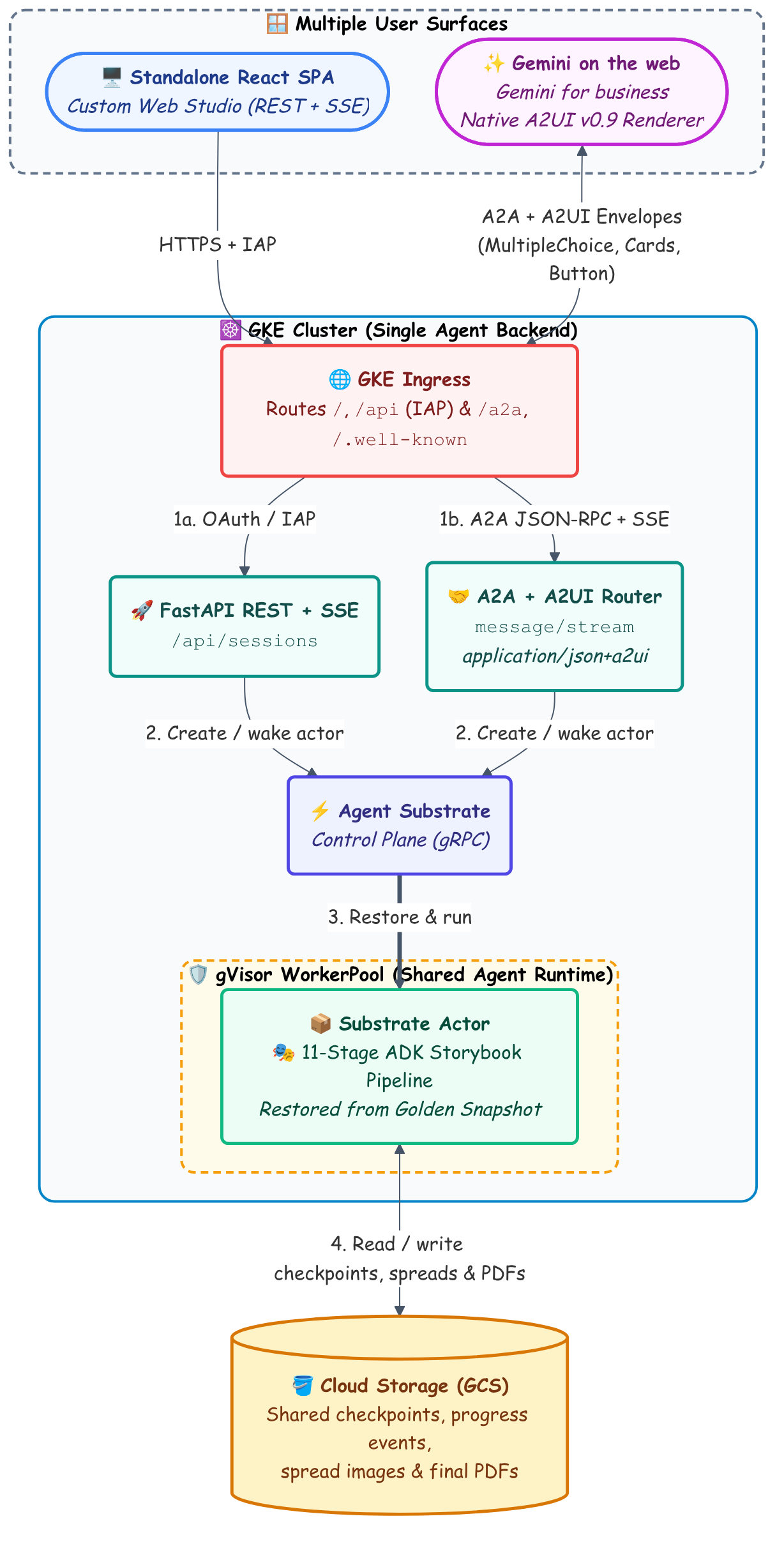
Whether someone clicks Generate in the React app or asks for a book in Gemini on the web, both entrypoints do the exact same thing: save the session configuration, wake up a gVisor-sandboxed Substrate actor from my Golden Snapshot, and stream progress events and generated assets back from Cloud Storage.
A2UI beats a wall of chat text
Getting two systems talking over A2A is pretty straightforward, but a multi-stage pipeline like ASP hits the limits of plain-text chat almost immediately.
Before kicking off a 10-minute storybook run that fetches classic literature from Project Gutenberg and generates a dozen illustrated pages, my agent needs four decisions from the user:
- Which visual art style fits the book?
- How should the narrative voice be adapted?
- What target age band (
4-5,6-8,8-10,10-12) and page count (12,16,24) should it use?
In a text-only chat interface, collecting four structured parameters either turns into a tedious game of 20 Questions (“Great, now pick a page count: 12, 16, or 24”) or forces the user to cram all of that configuration into a single prompt. And once the job starts, watching plain-text status lines scroll by for 10 minutes isn’t a great experience either.
Agent to UI (A2UI) bridges the gap between a custom web app and a shared chat surface. Instead of returning only markdown text, my GKE agent streams declarative JSON UI envelopes (application/json+a2ui) inside its A2A DataPart payloads.
That gives me three big benefits right inside Gemini:
1. Guided controls instead of prompt guessing
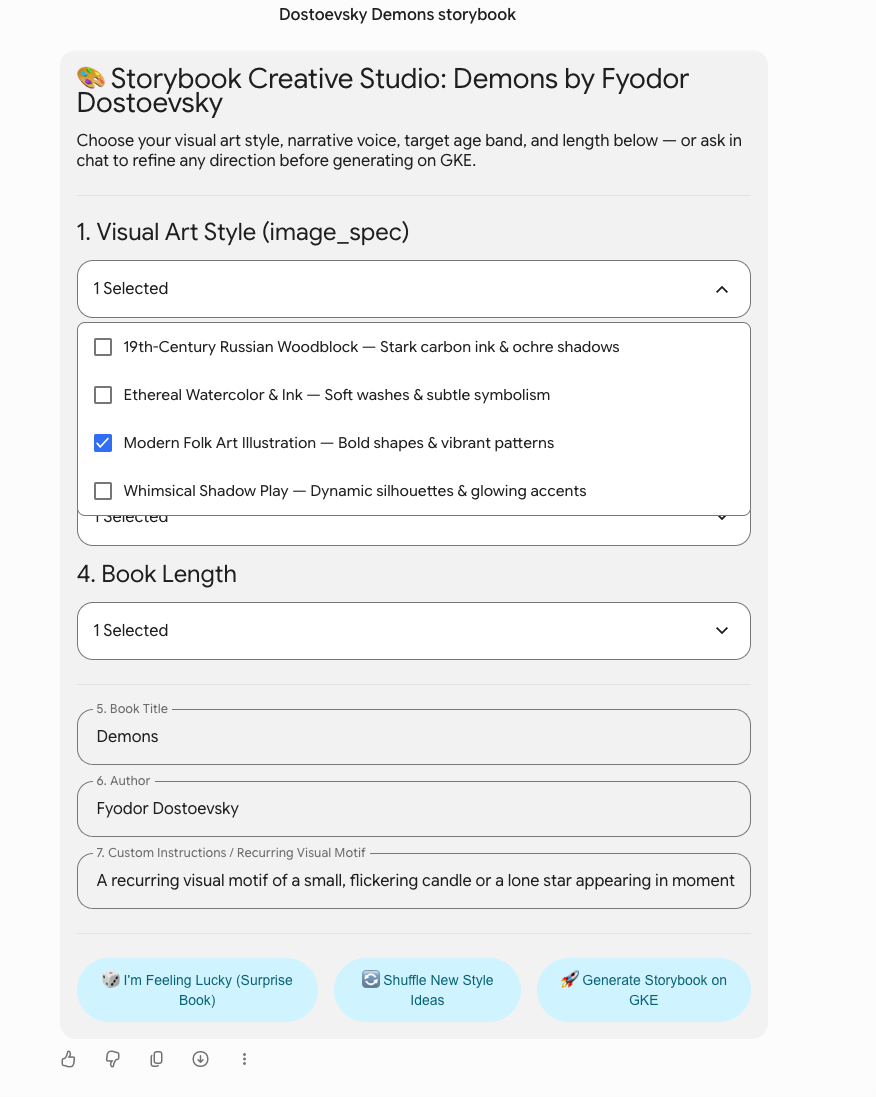
When a user asks for a book (say, “Dostoevsky Demons storybook”), my A2A router uses Gemini to propose four tailored art styles and narrative voices, then streams back an interactive Creative Studio A2UI surface (src/storybook/a2a/a2ui.py):
MultipleChoicecontrols bound to a local A2UI data model (/studio/artStyleSelections,/studio/textStyleSelections,/studio/ageSelections,/studio/pageCountSelections)TextFieldinputs for optional custom overrides- Action
Buttons (🎲 I'm Feeling Lucky (Surprise Book),🔄 Shuffle New Style Ideas, and🚀 Generate Storybook on GKE) that package the user’s current form state into the next A2A turn’saction.context
{
    "id": "generate-btn",
    "component": {
        "Button": {
            "child": "generate-btn-label",
            "primary": True,
            "action": {
                "name": "generate_storybook",
                "context": [
                    {"key": "title", "value": {"path": "/studio/title"}},
                    {"key": "author", "value": {"path": "/studio/author"}},
                    {"key": "art_style", "value": {"path": "/studio/artStyleSelections"}},
                    {"key": "custom_art_style", "value": {"path": "/studio/customArtStyle"}},
                    {"key": "text_style", "value": {"path": "/studio/textStyleSelections"}},
                    {"key": "custom_text_style", "value": {"path": "/studio/customTextStyle"}},
                    {"key": "age_range", "value": {"path": "/studio/ageSelections"}},
                    {"key": "page_count", "value": {"path": "/studio/pageCountSelections"}},
                    {"key": "custom_instructions", "value": {"path": "/studio/customInstructions"}},
                ],
            },
        }
    },
}
2. Live in-place progress and page previews
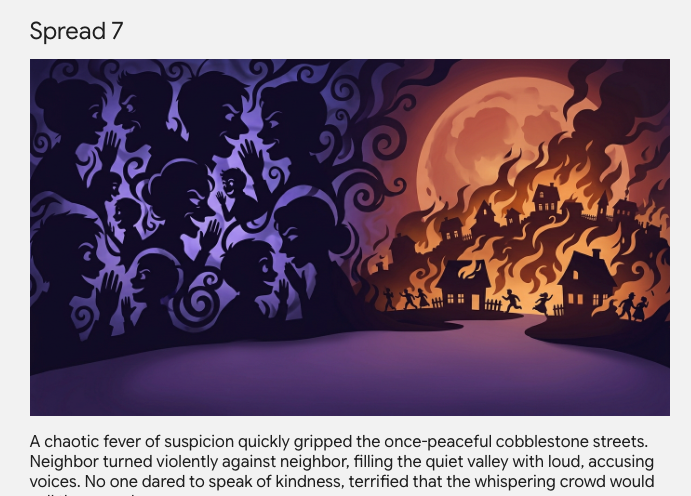
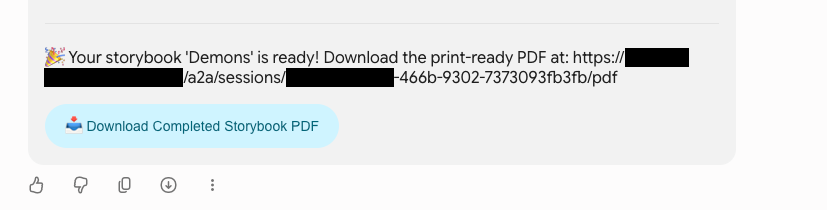
Once the user clicks Generate Storybook on GKE, my agent switches to a live progress surface (storybook_run_{session_id}). As the Substrate actor checkpoints each stage to Cloud Storage, the A2A stream pushes surfaceUpdate and beginRendering envelopes over SSE. That updates the active stage breadcrumb in place, renders each newly generated page (Image + caption card) as it finishes, and shows a download button once the final PDF is ready.
3. Zero frontend code + graceful fallback
Best of all, my GKE agent never ships HTML, CSS, or JavaScript across the wire. It only emits structured component definitions targeting the host composite catalog, and Gemini handles styling, layout, and sanitization natively.
And because every A2A status update pairs its application/json+a2ui DataPart envelopes with a standard plain-text TextPart summary, any non-A2UI client still works automatically. You can hit the exact same /a2a endpoint from curl, a CLI runner, or another orchestrator agent without breaking a thing.
Wrapping up
Treating the UI as just another surface rather than the place where your agent lives is one of my favorite architectural patterns so far in this series. My GKE cluster runs one set of traced, gVisor-isolated Substrate actors, and users can meet that agent either in its dedicated React app or right in Gemini on the web with rich A2UI controls.
Keep an eye on the asp tag for the next post in the series, and check out the full A2A and A2UI implementation in PR #6 on the GitHub repo!